WyreStorm adds Netio power management to Synergy Control Flow
The integration combines outlet switching, electrical monitoring and AV room control through WyreStorm’s existing processor, without a dedicated Netio driver or separate licence.

By Tom Kerrigan ·
Products Reporter
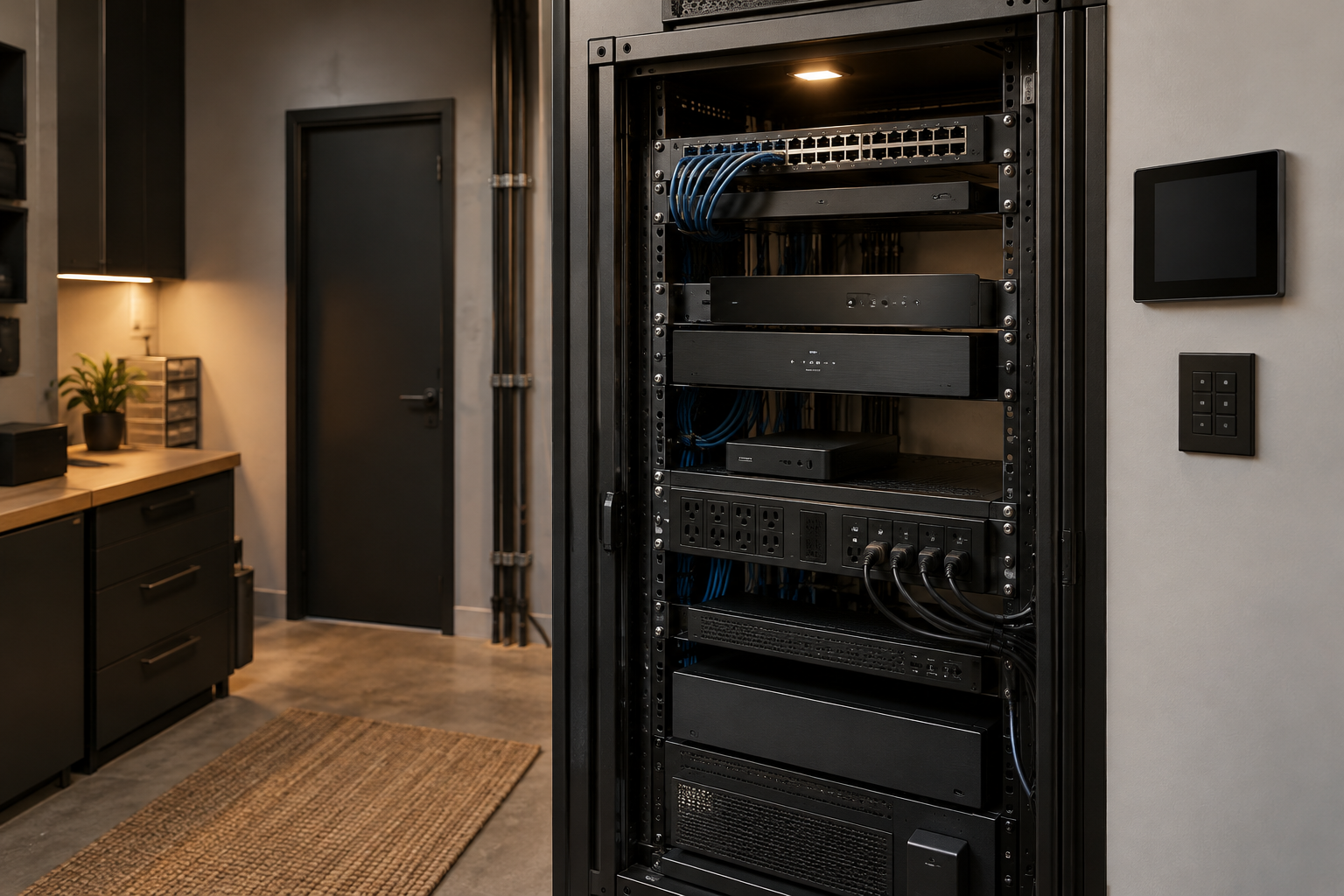
WyreStorm Technologies and Netio Products have announced an integration connecting Netio power distribution systems to Synergy Control Flow. Using the SYN-CTL-FL10 processor’s Node-RED engine and Netio’s JSON API, integrators can combine AV automation with outlet control and supported electrical monitoring, without adding a dedicated Netio driver or separate licence.
Key facts
- The integration runs through WyreStorm’s SYN-CTL-FL10 control processor.
- Supported interfaces include the SYN-KEY12 keypad and SYN-TP10-B touch panel.
- Communication uses Netio’s JSON API over HTTP and existing Node-RED nodes.
- Compatible Netio devices require firmware version 5.2.4 or later.
- Electrical readings depend on device support; temperature monitoring requires compatible Netio sensors.
- WyreStorm says an application note covers device, workflow and interface configuration.
What happened
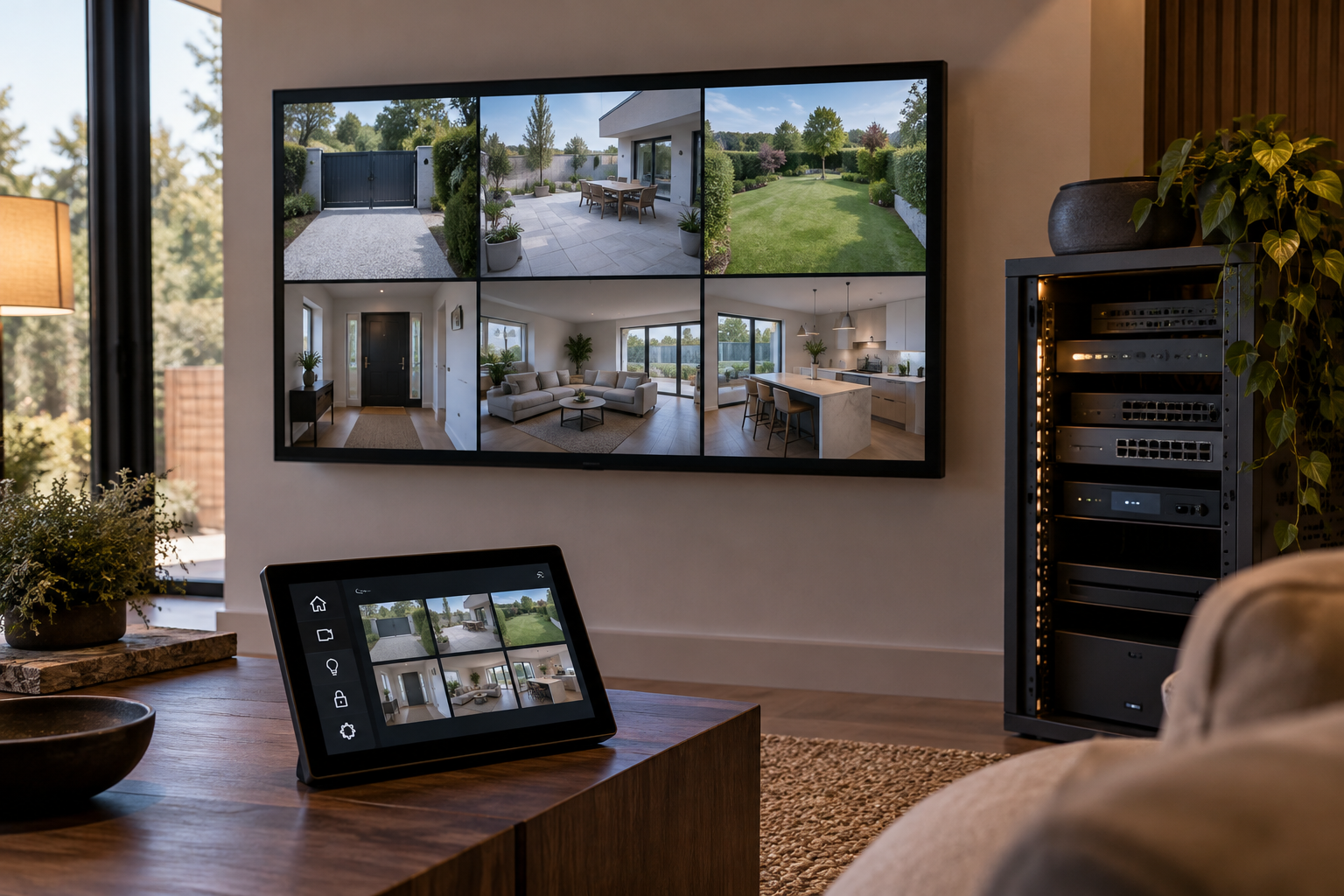
WyreStorm Technologies and Netio Products have connected Synergy Control Flow with Netio’s intelligent power distribution equipment, bringing power management into WyreStorm’s room-control system. The integration lets installers expose Netio output controls and monitoring through a Synergy interface. It places the power distribution unit, or PDU, within the same control environment used for the room’s AV equipment, rather than treating power as a separate system.
The room-automation element allows a sequence to include switching power to displays, AV hardware and other connected equipment. According to the companies, this means power operations can form part of the wider room workflow instead of requiring a separate user action outside it. The announcement concerns control of the power feeding those devices, alongside the AV functions already managed through the room system.
WyreStorm identifies the SYN-CTL-FL10 as the processor at the centre of the integration, with the SYN-KEY12 keypad and SYN-TP10-B touch panel among the supported interfaces. Those model references give installers a defined hardware basis for the control arrangement. For separate coverage of room-control interfaces, see Crestron Home’s Multiview support for six video sources.
The background
The connection uses the Node-RED engine already incorporated into the SYN-CTL-FL10. That engine provides the flow-based environment through which the processor communicates with Netio equipment and links power functions to Synergy. The integration therefore builds on a capability inside the named control processor, rather than introducing a separate processing platform specifically to connect the AV controller with the power distribution system.
Netio’s JSON API supplies the communication interface, with requests travelling over the network using HTTP. Within Synergy Control Flow, the implementation uses the standard HTTP Request and JSON nodes that are already available. These are the specified components for exchanging commands and information between the two systems: HTTP provides the network request mechanism, while JSON is the format used by the Netio API.
According to the announcement, this approach does not require an additional Netio-specific driver or a separate licence. That statement relates to the integration method, rather than establishing a price for the processor, interfaces or power hardware. The companies describe an implementation assembled using existing Synergy flow components and the PDU’s API, with those elements handling the connection instead of a dedicated driver package.
Outlet control and status feedback
Installers can provide switching for individual Netio outlets, allowing each supported output to be turned on or off through Synergy. The associated feedback represents the output’s actual state, according to the announcement. This distinguishes the returned status from the command itself: the interface receives information about the connected output rather than merely presenting the action that the user or automation sequence requested.
To maintain that feedback, the system queries the Netio PDU repeatedly at regular intervals. Each polling cycle supplies current status information for the control interface, so the connection is not limited to sending commands when someone operates a control. The manufacturer describes polling as the mechanism that keeps the interface informed about the PDU between switching actions, alongside the command path used to operate its outputs.
An additional refresh can be initiated immediately after a command. WyreStorm says that helps the displayed state follow a change almost immediately, rather than relying solely on the next regular poll. The two update methods serve different points in the workflow: periodic requests maintain ongoing visibility, while the post-command request checks the state after an operation has just been issued to the power equipment.
Electrical and temperature monitoring
Where the Netio hardware supports it, Synergy can show live power consumption for individual outputs as well as a total reading. This adds electrical information to the same interface used for control, rather than restricting the integration to outlet switching. The qualification is important for specification: the announcement makes those readings dependent on the capabilities of the connected Netio device, not simply on the presence of Synergy.
The supported electrical information can also include voltage, current, frequency and energy usage. These are listed separately from individual and total power consumption, giving installers several types of data to incorporate into the control interface where available. The integration description does not present every Netio device as providing the entire list; the available monitoring information follows the support offered by the particular power distribution hardware.
Temperature is another supported monitoring input when compatible Netio sensors are used. It is therefore a sensor-dependent extension to the integration, rather than an unconditional measurement from every connected power output. Projects incorporating those sensors can bring temperature information into the arrangement alongside the electrical readings. Related coverage of sensor and room-interface hardware includes Schneider Electric’s Apple Home thermostat and HomeView mounts.
What people are saying
Zvonimir Prokic, product manager at WyreStorm Technologies, presented the integration as a way to connect the systems within a room instead of handling each one in isolation. His stated priority was practical automation for installers while maintaining straightforward operation for the end user. That position places the emphasis on how power functions join the room’s controls, rather than on power switching as a standalone feature.
Tomas Bezstarosta, CPO at Netio, said bringing remote monitoring and power control into the AV workflow reduces complexity for integrators. He also highlighted a single interface for the end user’s room and power management. These are the companies’ stated benefits of the connection; the announcement describes the shared control arrangement and its capabilities rather than providing measured figures for installation time or operational savings.
WyreStorm also said it has made a detailed application note available to installers. The document addresses configuration of the Netio equipment, preparation of the Node-RED workflow and configuration of the Synergy interface. Its stated scope covers both ends of the connection as well as the flow between them, giving integrators implementation guidance beyond the announcement’s description of supported functions.
What happens next
For deployment, the stated requirement is a compatible Netio device with firmware version 5.2.4 or newer. Compatibility and firmware level therefore sit alongside the WyreStorm processor and interface choices in the specification. The announcement defines support in those terms rather than saying that every Netio product can participate, and it identifies JSON communication over HTTP as the connection used by supported equipment.
The Node-RED flow structure can be extended to cover more Netio outputs and additional PDUs as a project grows. According to the companies, that allows integrators to apply the same integration architecture across a larger collection of powered devices. Expansion is described at both levels: more outputs within the power-control arrangement and more distribution units, rather than only more controls on a single interface.
The available application note is the next implementation resource identified by WyreStorm. Its configuration sequence spans the Netio device, the control flow and the Synergy user interface, reflecting the separate parts installers must bring together. For projects using the monitoring functions, the announcement also makes the choice of Netio hardware and compatible temperature sensors relevant to which information can ultimately be presented through the room controls.
Why this matters
For integrators using Synergy Control Flow, the Netio connection makes power switching and supported monitoring part of the room-control design without a dedicated driver or separate integration licence. Clients can operate room and power functions through one interface, while output-state feedback provides confirmation beyond the command itself. Specification still depends on compatible Netio hardware, firmware 5.2.4 or later and the measurements each device supports; temperature monitoring also requires compatible sensors.
Frequently asked questions
- What does the WyreStorm and Netio integration do?
- It connects Netio power distribution equipment to Synergy Control Flow, allowing outlet switching, status feedback and supported electrical monitoring through the room-control interface.
- Which WyreStorm processor supports Netio power control?
- The integration uses the SYN-CTL-FL10 processor and its built-in Node-RED engine. Supported interfaces include the SYN-KEY12 keypad and SYN-TP10-B touch panel.
- Does Synergy need a separate Netio driver or licence?
- No additional dedicated Netio driver or separate licence is required for the integration, according to the announcement. It uses existing HTTP Request and JSON nodes.
- What Netio firmware version is required?
- Compatible Netio devices must run firmware 5.2.4 or later. The integration communicates through Netio’s JSON API over HTTP.
- Can Synergy show Netio power consumption and temperature?
- Supported devices can supply individual and total power consumption, voltage, current, frequency and energy usage. Temperature monitoring is available when compatible Netio sensors are used.
- How does Synergy update Netio outlet status?
- The system polls the PDU at regular intervals and updates the interface with its current state. An immediate refresh can also follow a command.
- Can the integration control multiple Netio PDUs?
- Yes. The same Node-RED flow architecture can extend to additional outputs and PDUs as project requirements increase.
- Where can installers find Netio integration instructions?
- WyreStorm says a detailed application note is available covering Netio configuration, Node-RED workflow setup and Synergy interface configuration.